
[exchange hybrid] ews → dedicated hybrid app
Overview
Dear all, this post will provide you an idea to go through retirement of EWS from exchange online. All of this content from refer following two documents from Microsoft.
- Refer1: https://learn.microsoft.com/en-us/exchange/hybrid-deployment/deploy-dedicated-hybrid-app#service-principal-clean-up-mode
- Refer2: https://techcommunity.microsoft.com/blog/exchange/dedicated-hybrid-app-temporary-enforcements-new-hcw-and-possible-hybrid-function/4440682
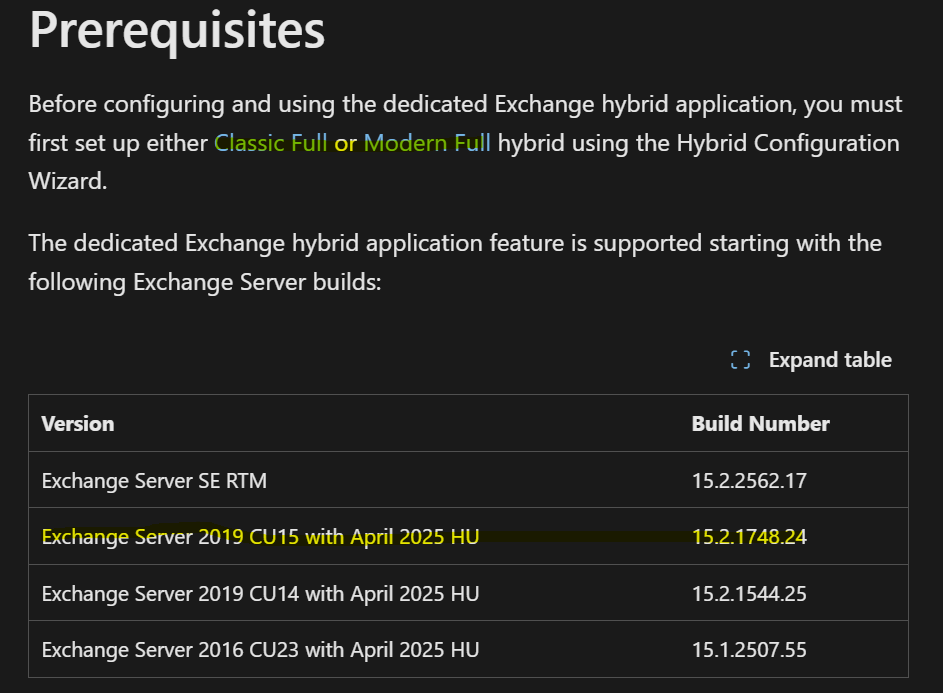
First up first, take a look at the prerequisites
- Classic Full or Modern Full hybrid configuration needed
- Exchange server version required as shown in the table
0. Index
- HU
- Run HCW to create Dedicated hybrid app
- Cleanup the Service Principal Cleanup Mode
- Setting override
- Verify application
- NOTICE!
1. HU
-
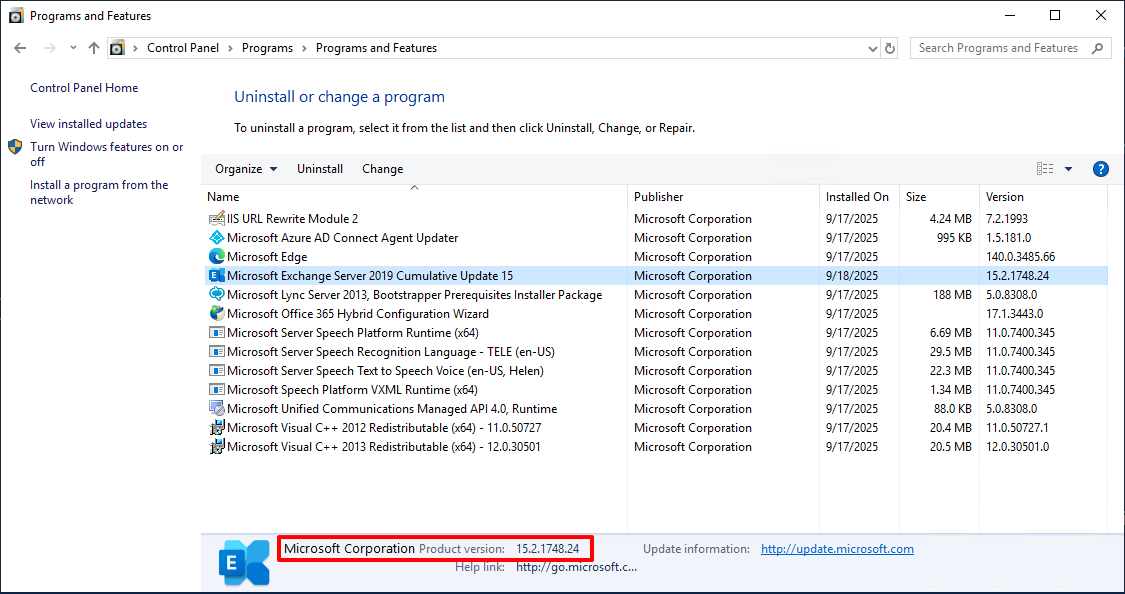
Check the Exchange version
-
Update if you need. If you have already CU15, Click the link below to update with the April 2025 HU
- https://support.microsoft.com/en-us/topic/hotfix-update-for-exchange-server-2019-cu15-april-18-2025-kb5050672-b46af510-ede4-4eab-b2ba-940d2f00e04d
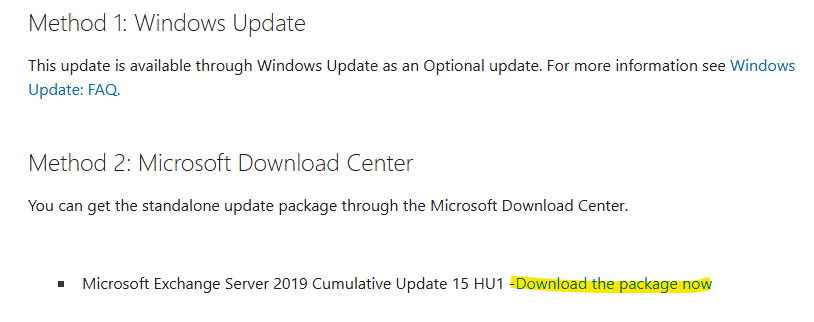
- https://support.microsoft.com/en-us/topic/hotfix-update-for-exchange-server-2019-cu15-april-18-2025-kb5050672-b46af510-ede4-4eab-b2ba-940d2f00e04d
- Download: https://www.microsoft.com/en-us/download/details.aspx?id=108144
2. Run HCW to create Dedicated hybrid app
- Click the link below to install and run HCW(Hybrid Configuration Wizard) on your Exchange server.
- https://aka.ms/hybridwizard
-
Configure whatever you want but make sure to consent with the grant administrative prevelidge.
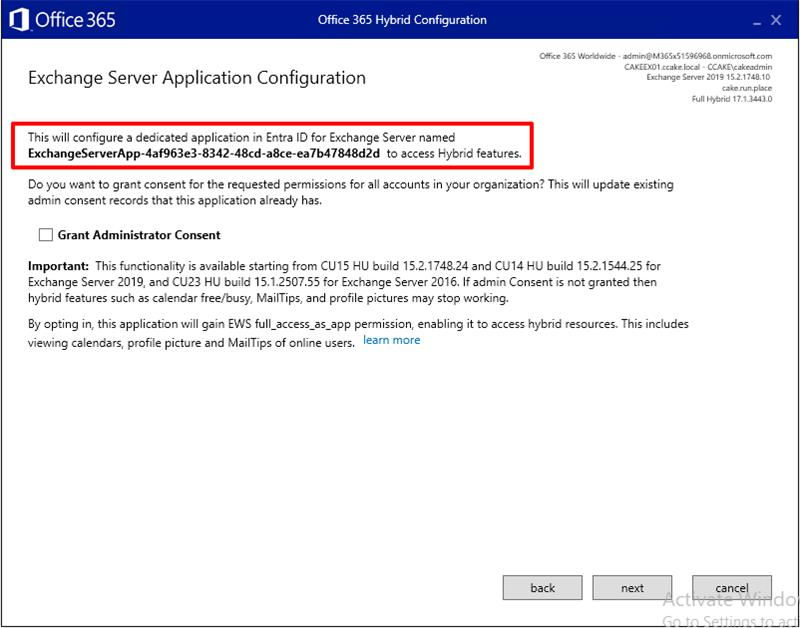
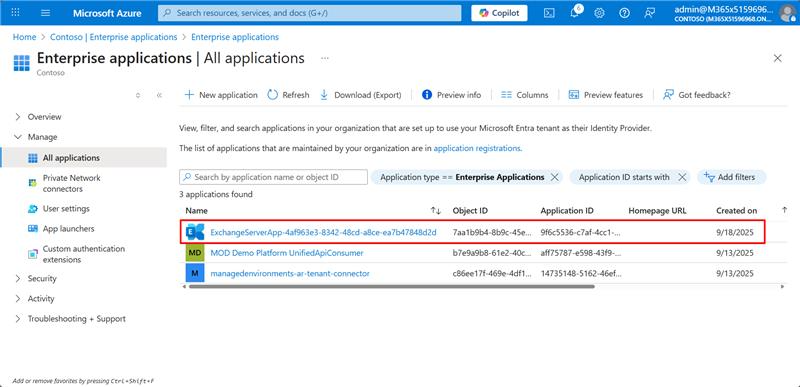
- After configuration completed, go to your enterprise application from the Entra ID to check if the application created successfully.
3. Cleanup the Service Principal Cleanup Mode
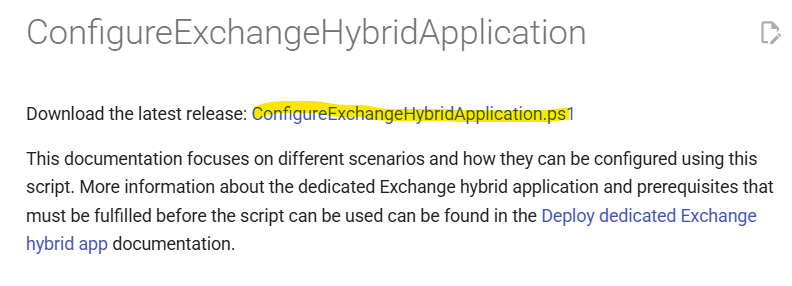
- Go to here and download the script
- https://microsoft.github.io/CSS-Exchange/Hybrid/ConfigureExchangeHybridApplication/
- https://microsoft.github.io/CSS-Exchange/Hybrid/ConfigureExchangeHybridApplication/
- Download Script: https://github.com/microsoft/CSS-Exchange/releases/latest/download/ConfigureExchangeHybridApplication.ps1
- To cleanup the certificate from the 1st party service principal keycredentials, execute this from your EMS(Exchange Management Shell)
.\ConfigureExchangeHybridApplication.ps1 -ResetFirstPartyServicePrincipalKeyCredentials - Result will be like:

4. Setting override
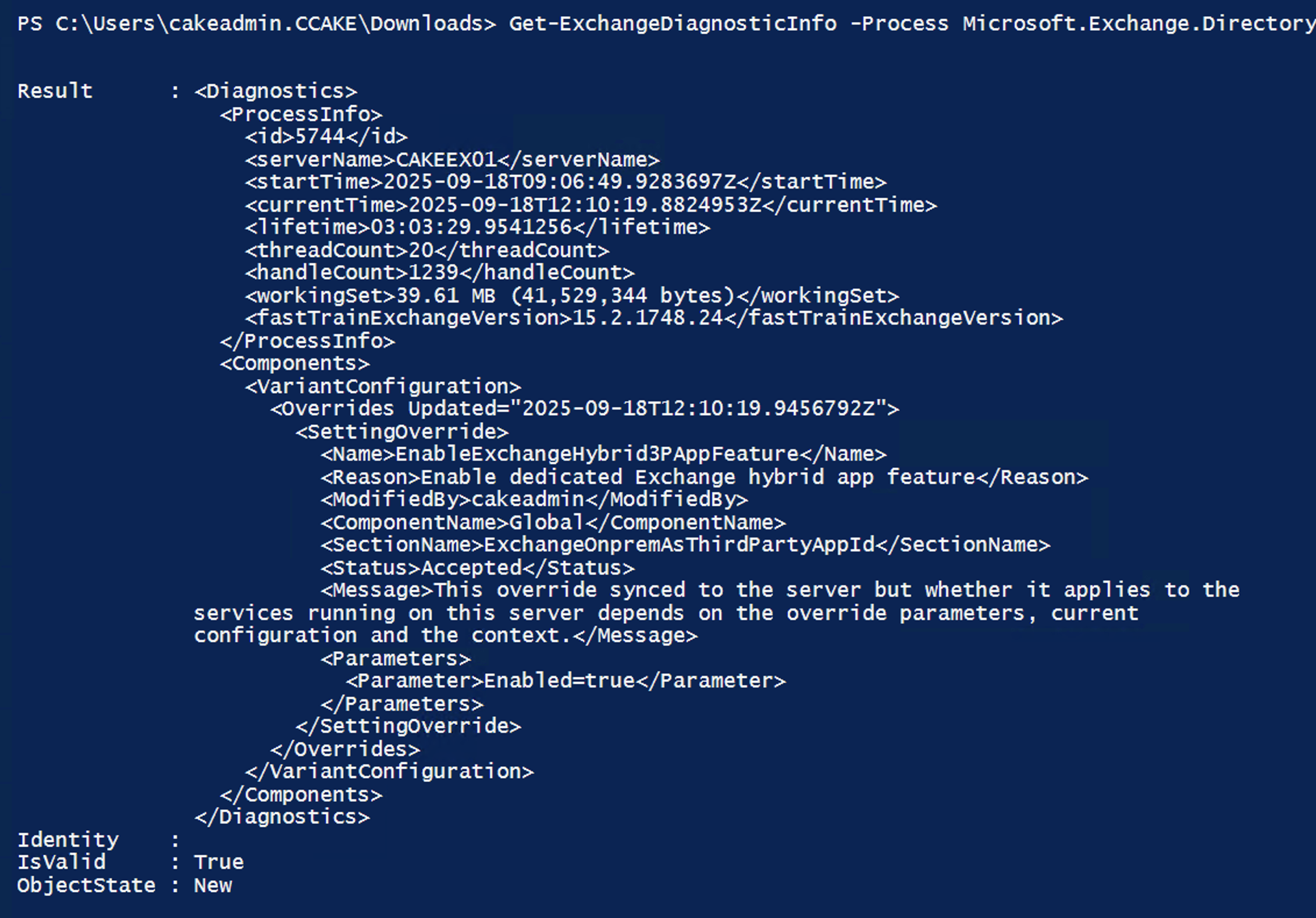
To enable dedicated hybrid app feature, execute this:
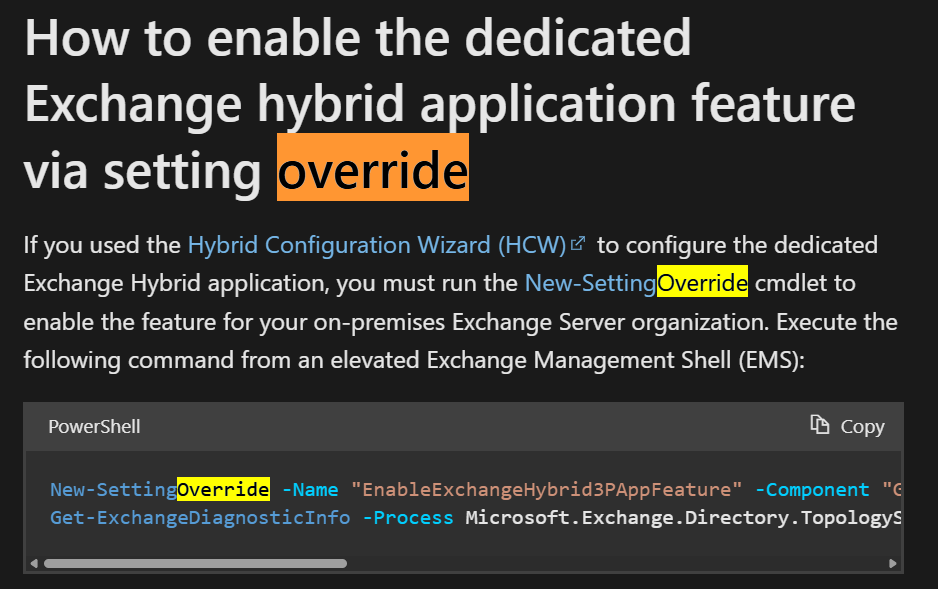
New-SettingOverride -Name "EnableExchangeHybrid3PAppFeature" -Component "Global" -Section "ExchangeOnpremAsThirdPartyAppId" -Parameters @("Enabled=true") -Reason "Enable dedicated Exchange hybrid app feature"
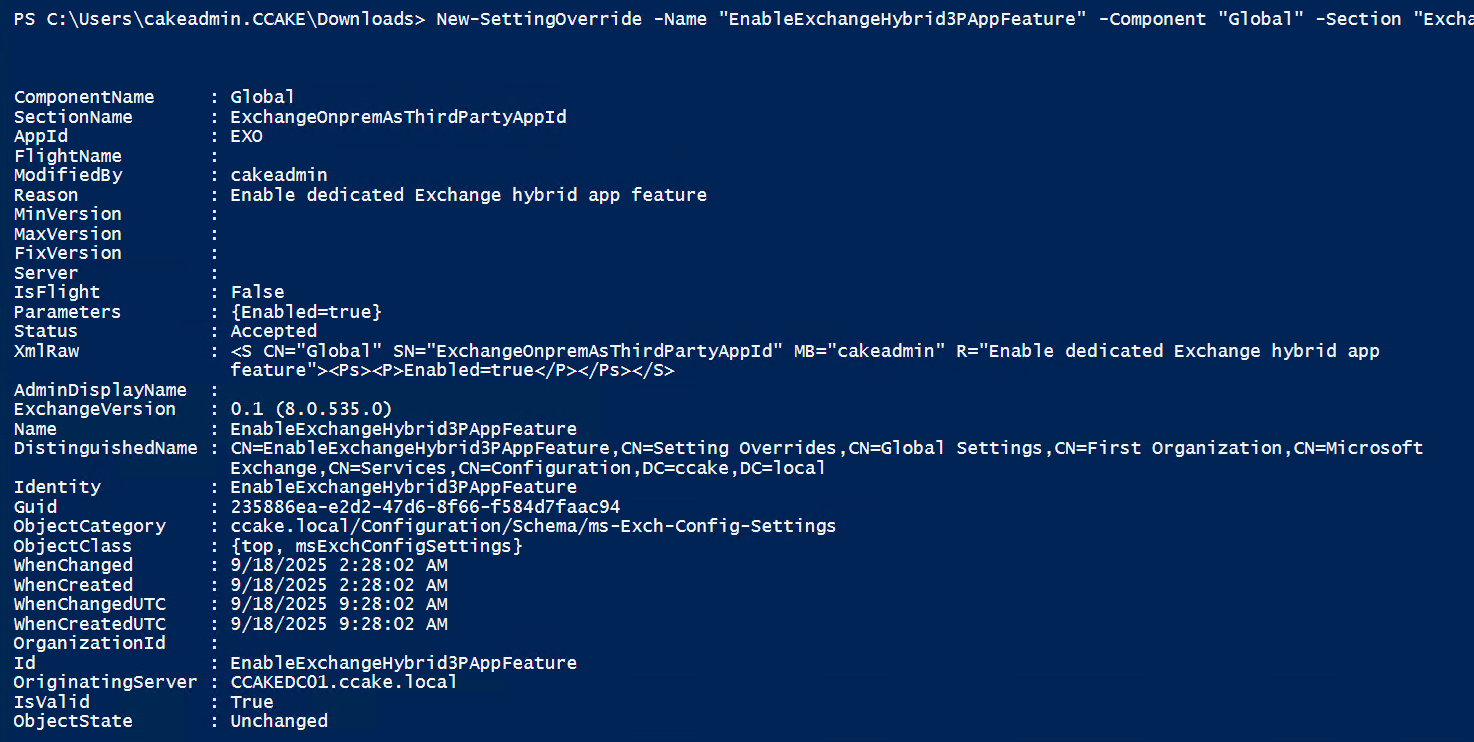
Get-ExchangeDiagnosticInfo -Process Microsoft.Exchange.Directory.TopologyService -Component VariantConfiguration -Argument Refresh | fl
5. Verify application
Application properties
-
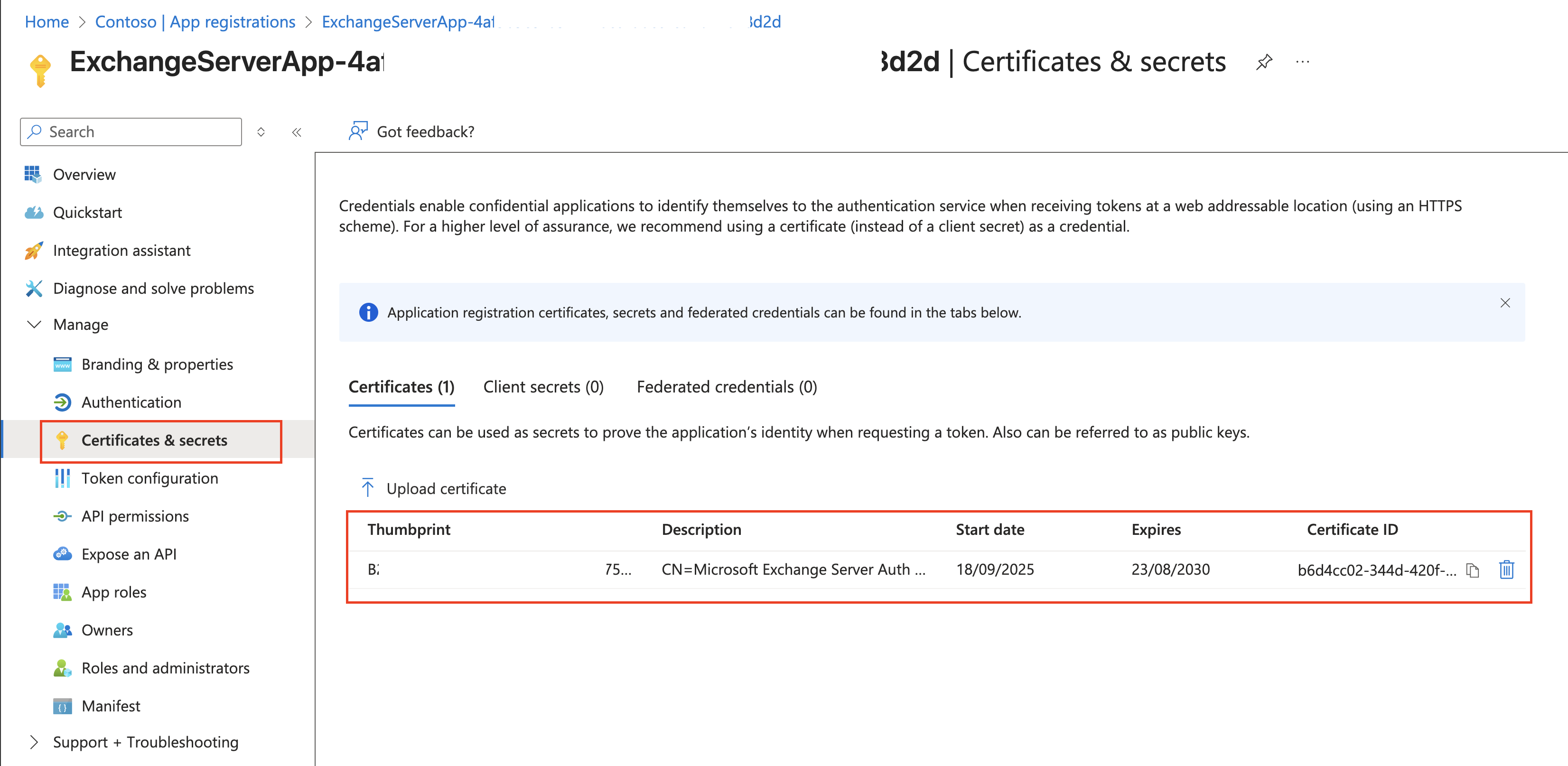
From Entra ID > App registration > Certificates & Secrets, you can see the OAuth certificate which obviously from the Exchange server
-
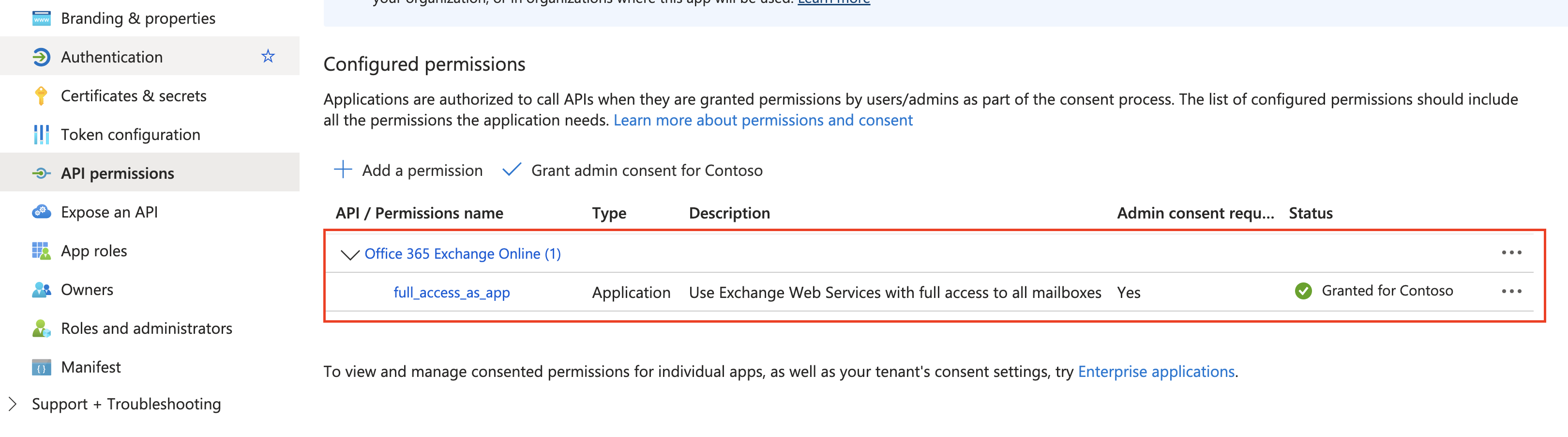
Granted to use Office 365 Exchange Online which just as we configured from HCW
Application logs
-
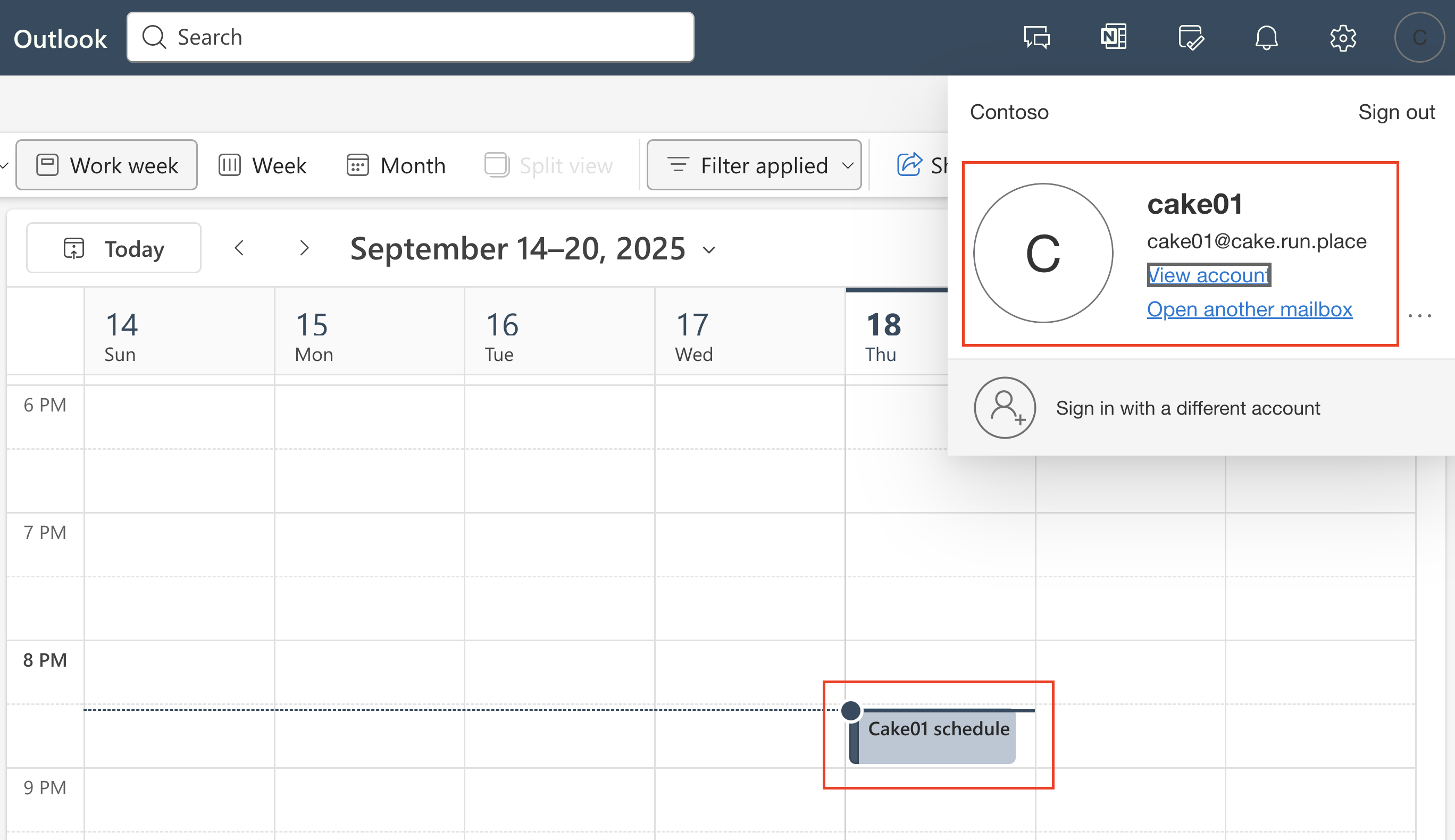
Create a new schedule from onboard mailbox(Cake01@cake.run.place)
-
Query the schedule from on-premises mailbox(Cake02@cake.run.place)
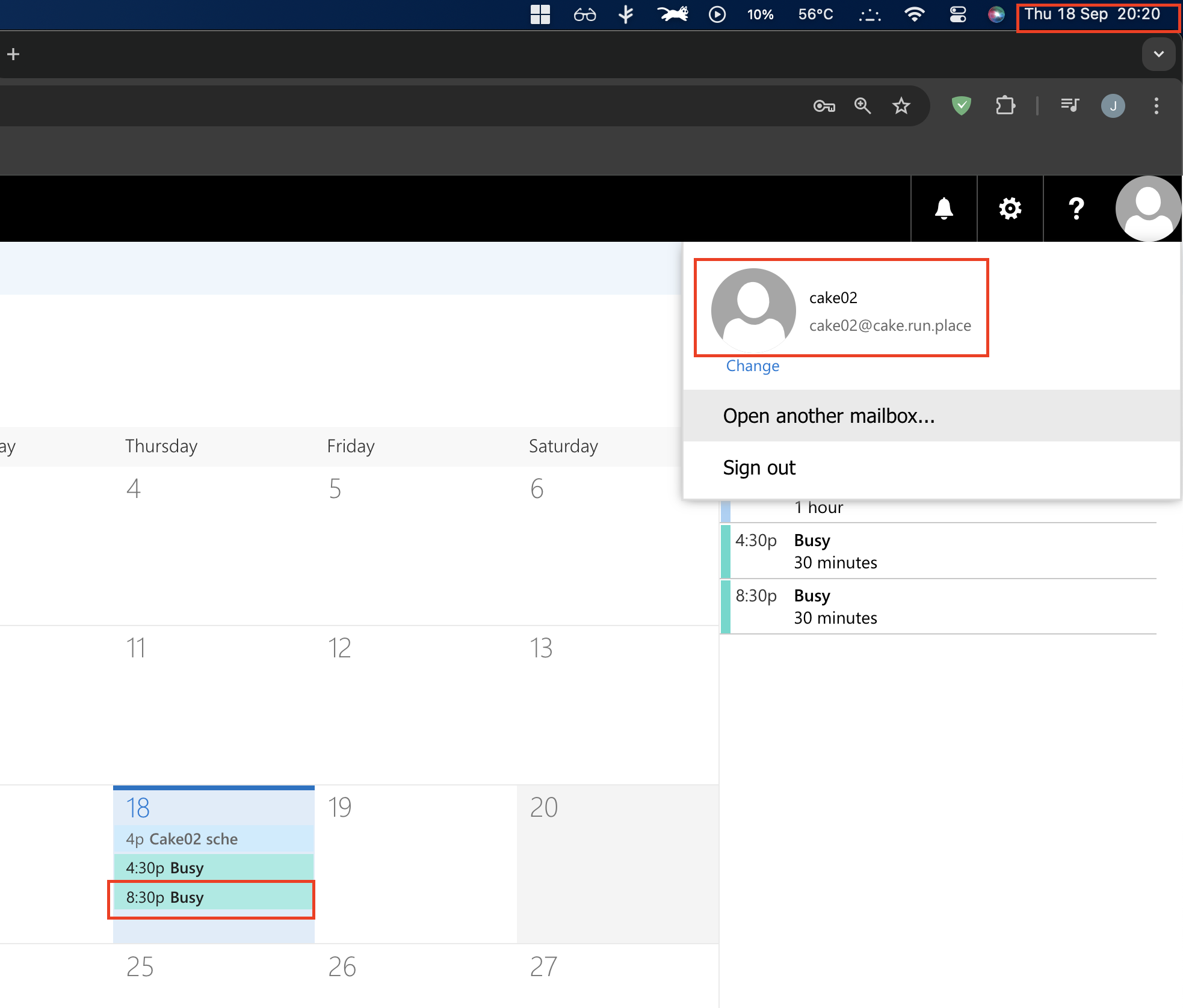 I just retrive the cake01’s schedule arround 20:20.
 -
Let’s see the logs. Go ‘Entra ID > Signin logs > Service Principal’
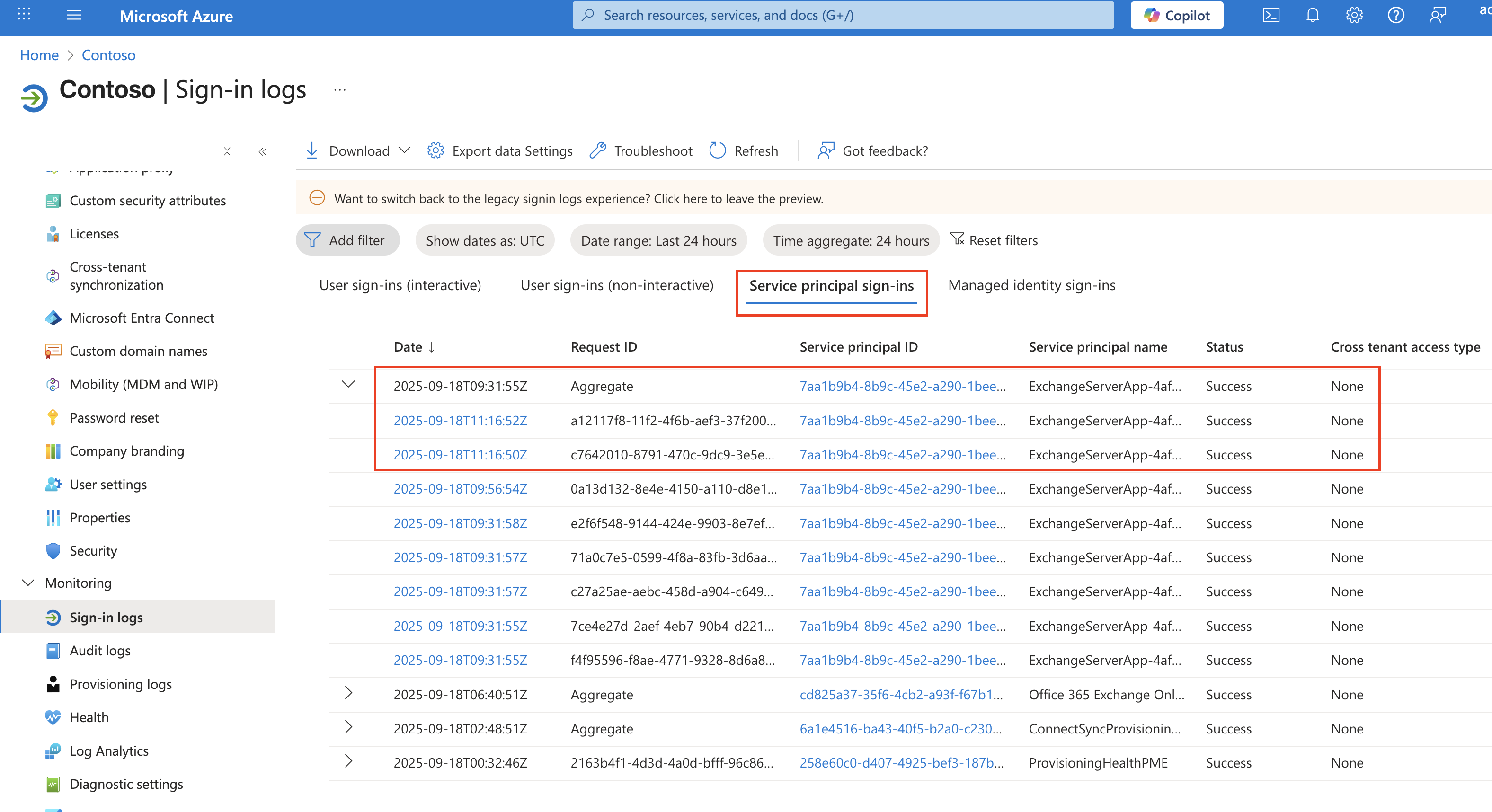 It shown as ‘2025-09-18T11:16:52Z’ and it is ‘2025-09-18 20:16:52 (KST)’
 -
Logs
- The Dedicated hybrid app was trying to access to Exchange online
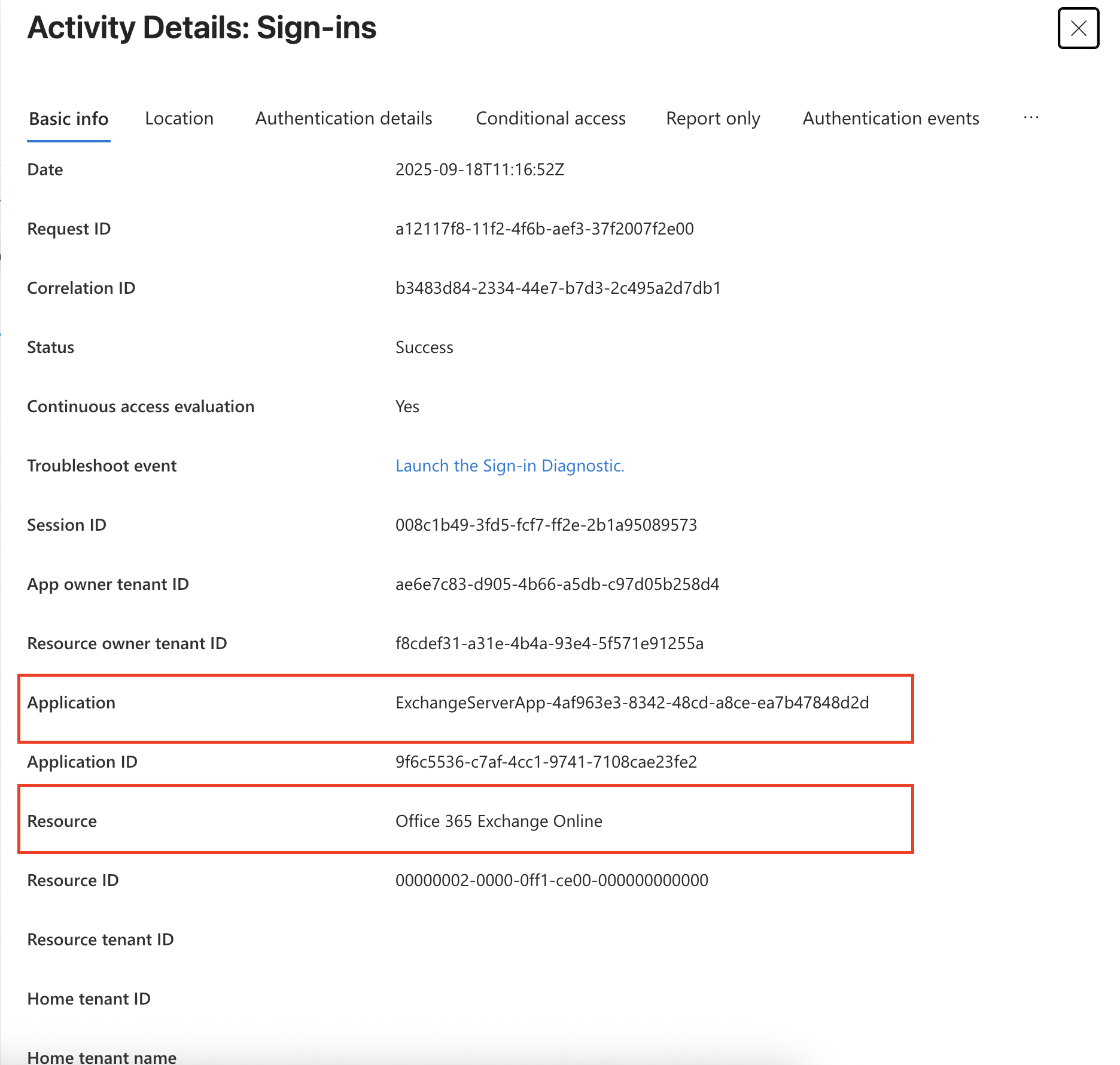
- From the exchange server IP address is shown
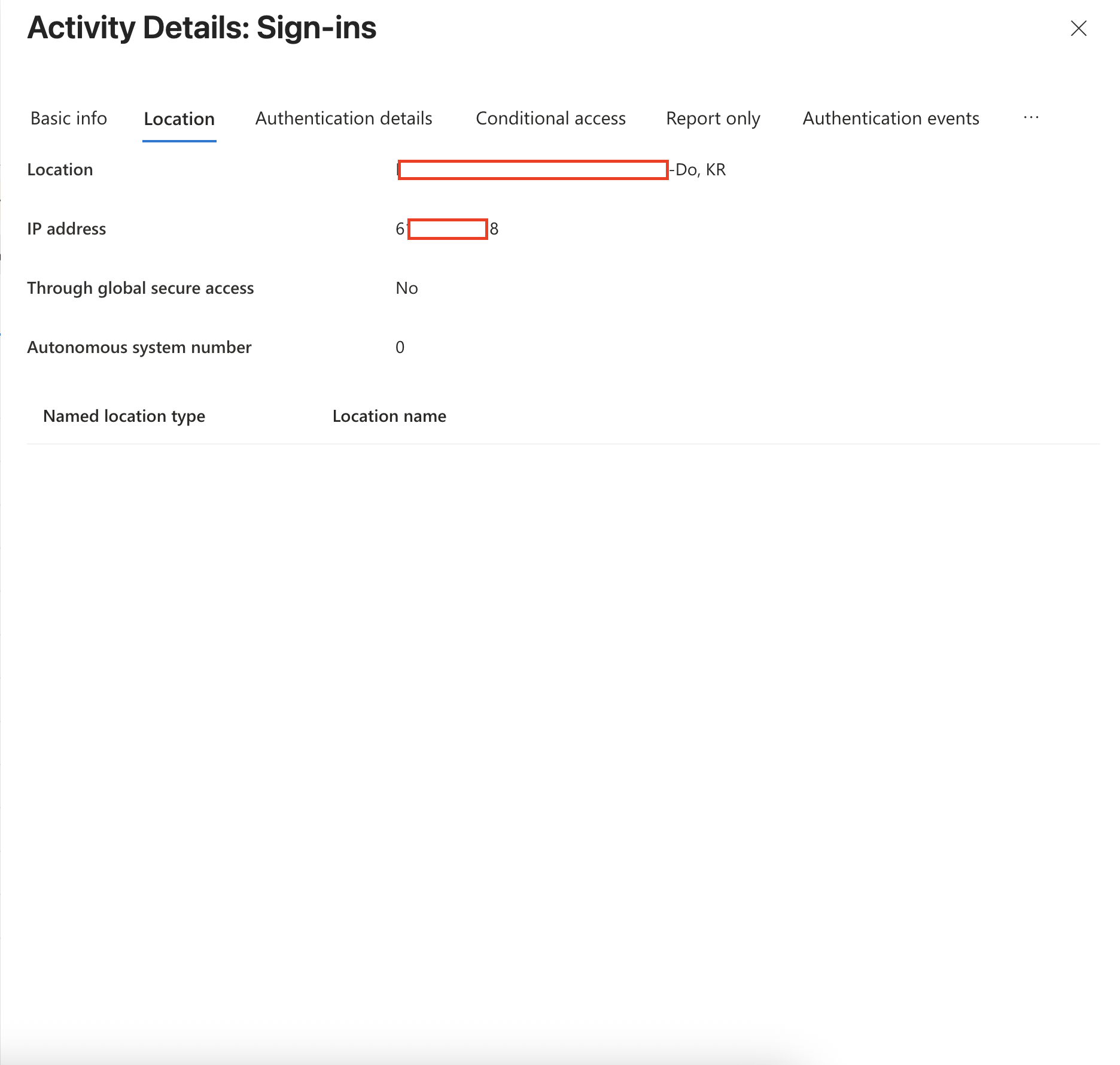
- The Dedicated hybrid app was trying to access to Exchange online
So, the configuration looks good.
6. NOTICE!
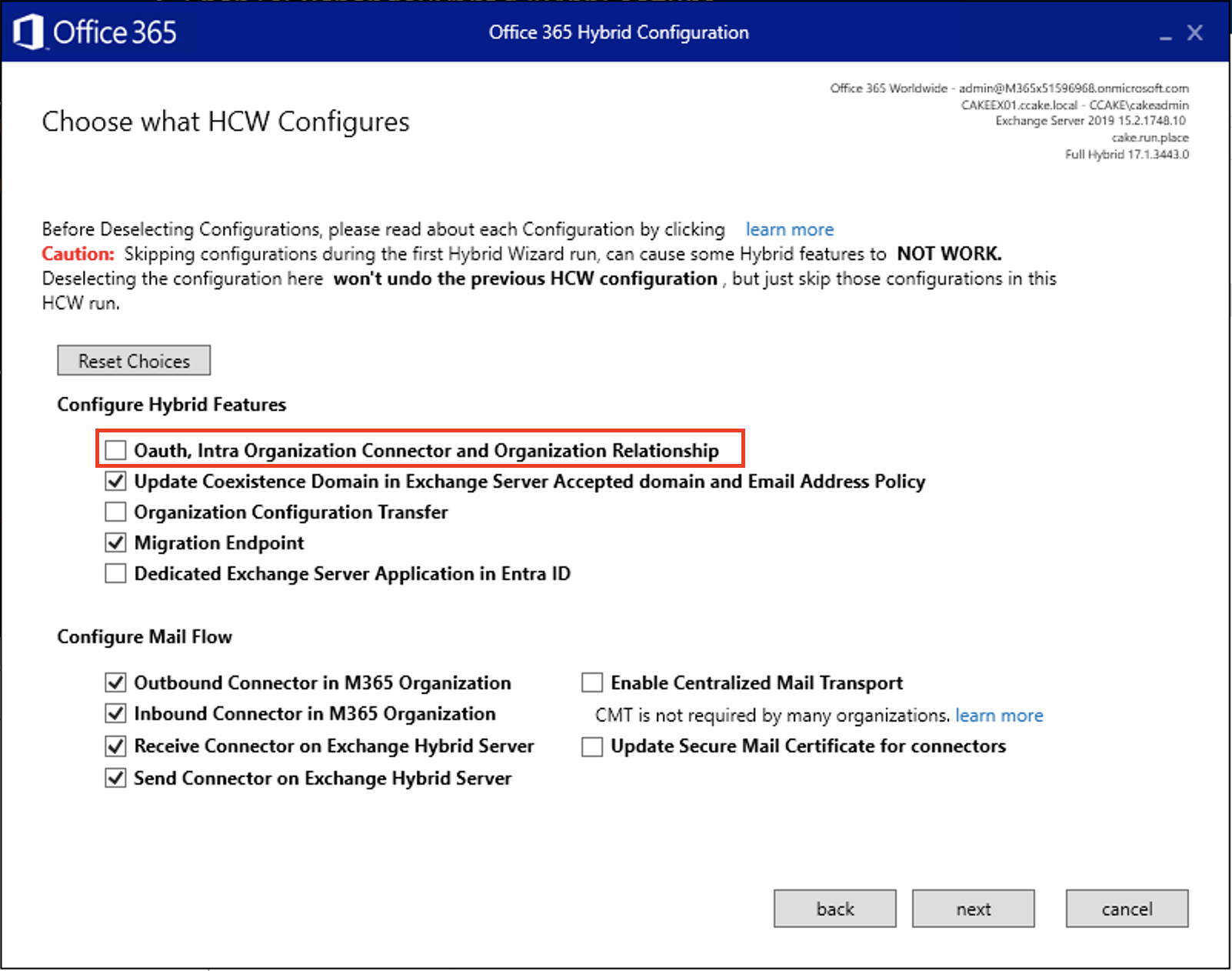
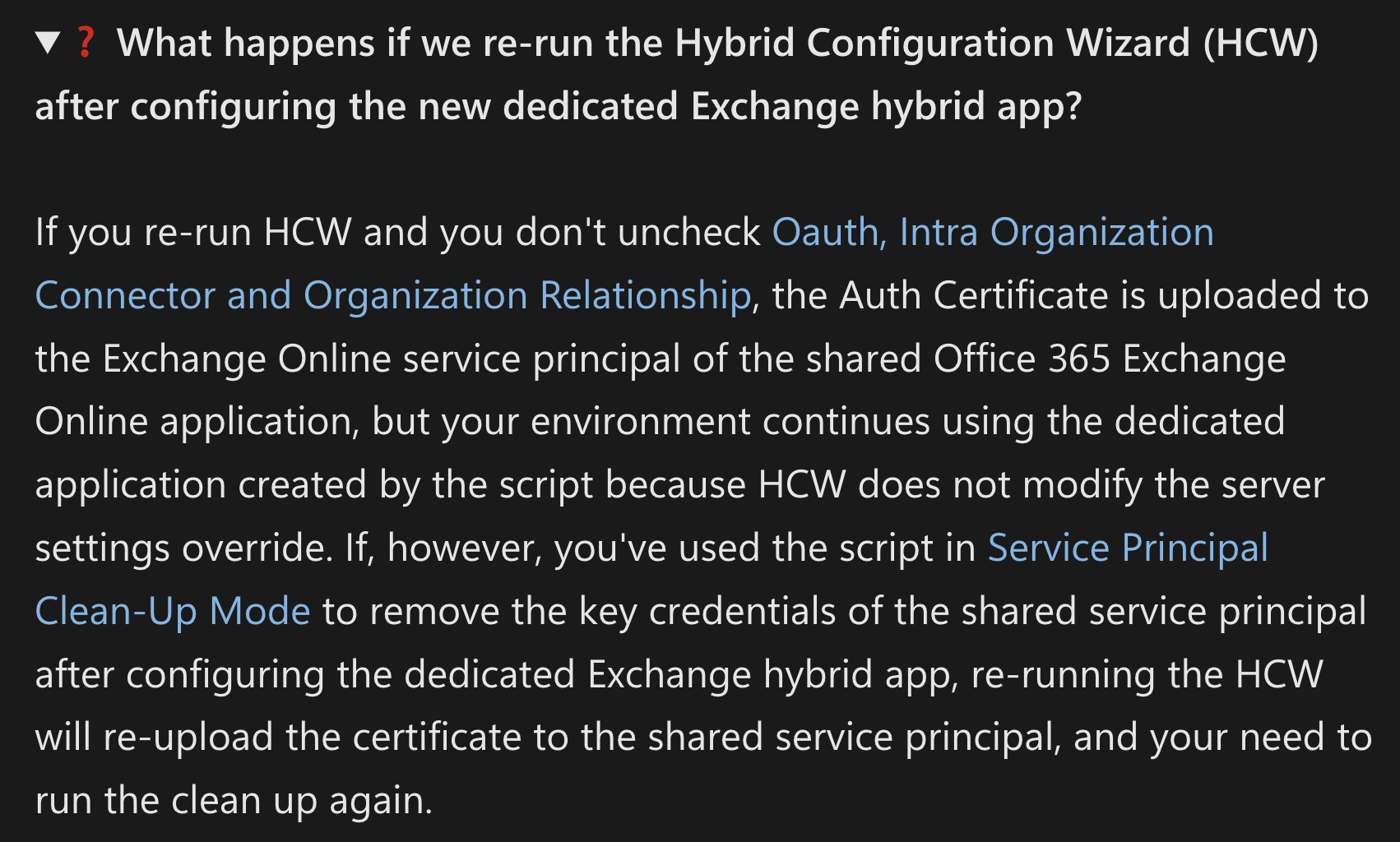
You need to uncheck ‘Oauth, Intra Organisation Connector and Organisation Relationship’ from now on.. if not, you have to do all of this procedure again from the start..
Leave a comment