
[intune] troubleshooting bitlocker recovery key
Summary
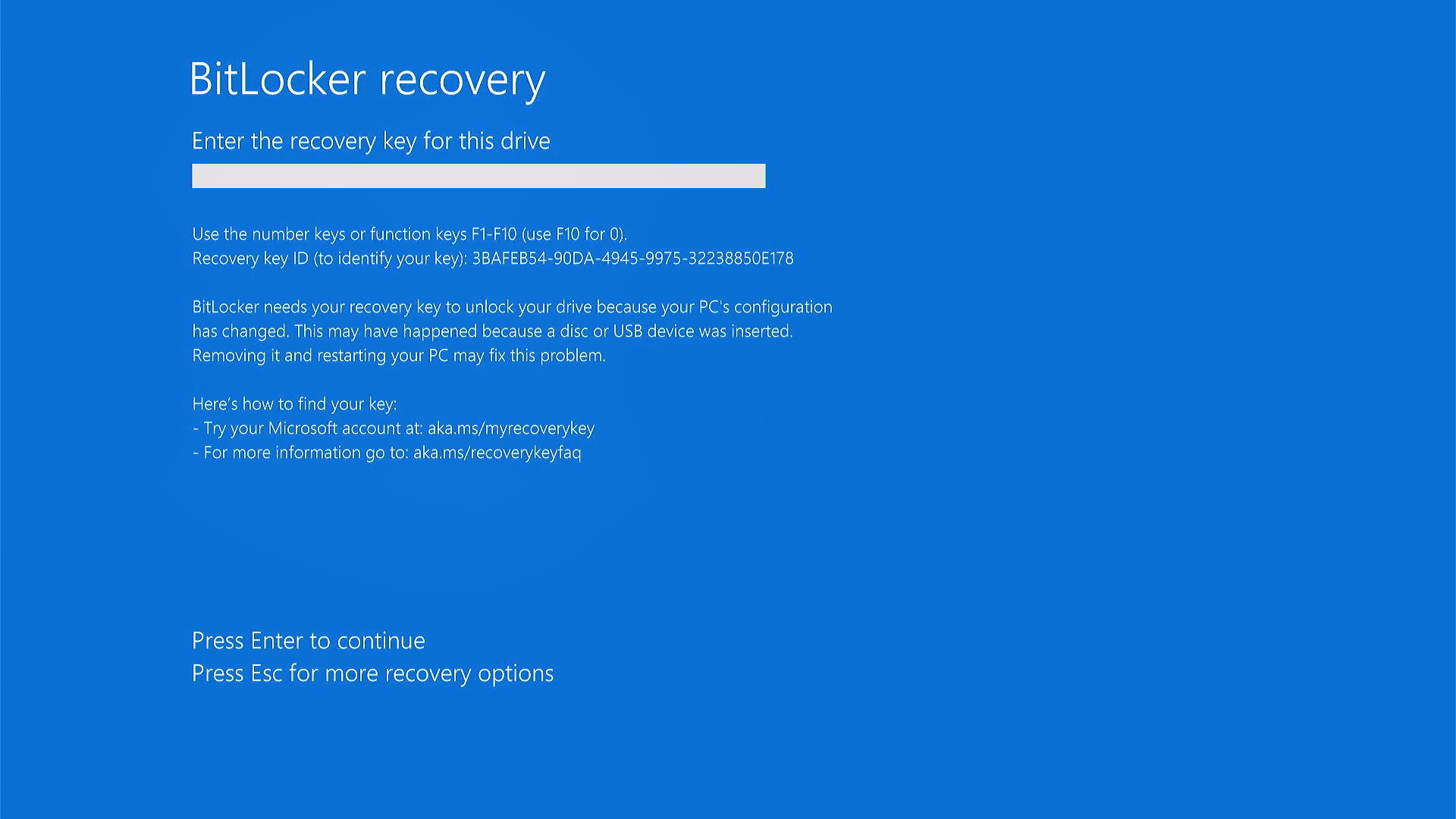
One of my client request to reslove this error.
He was facing this error since he had changed his password.
Procedure
-
Run ‘Command Prompt’ as an administrator
- Turn off BitLocker on the target drive.
Use this command.
C:\WINDOWS\system32> manage-bde.exe -off C:
C:\WINDOWS\system32> manage-bde.exe -status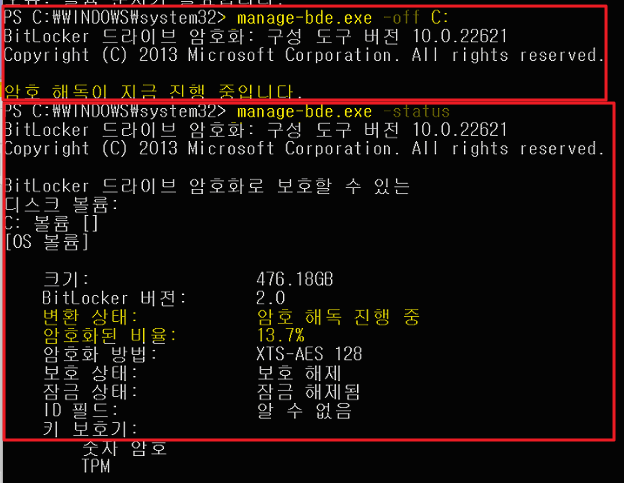
- Keep checking the Conversion Status until it Fully Decrypted
C:\WINDOWS\system32> manage-bde.exe -status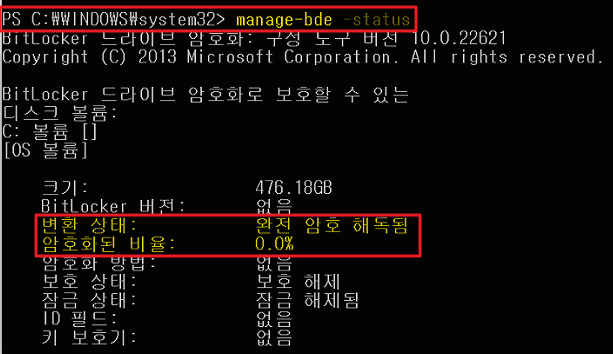
-
Click ‘Sync’ button under the company account which was controlly by intune.
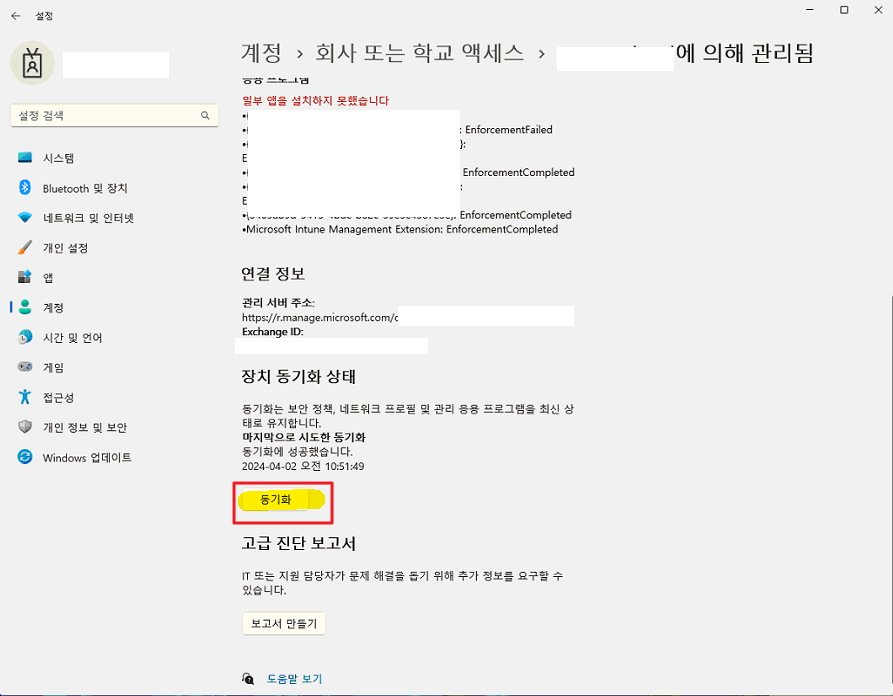
- Once you click ‘Sync’ button, check the disk encryption status. The encryption is starting by the intune policy.
Leave a comment